


Real AI, not templates
GPT-4, DeepSeek, or any compatible model. Contextual meta tags based on actual page content — not generic pre-filled phrases.
WPAK-SEO
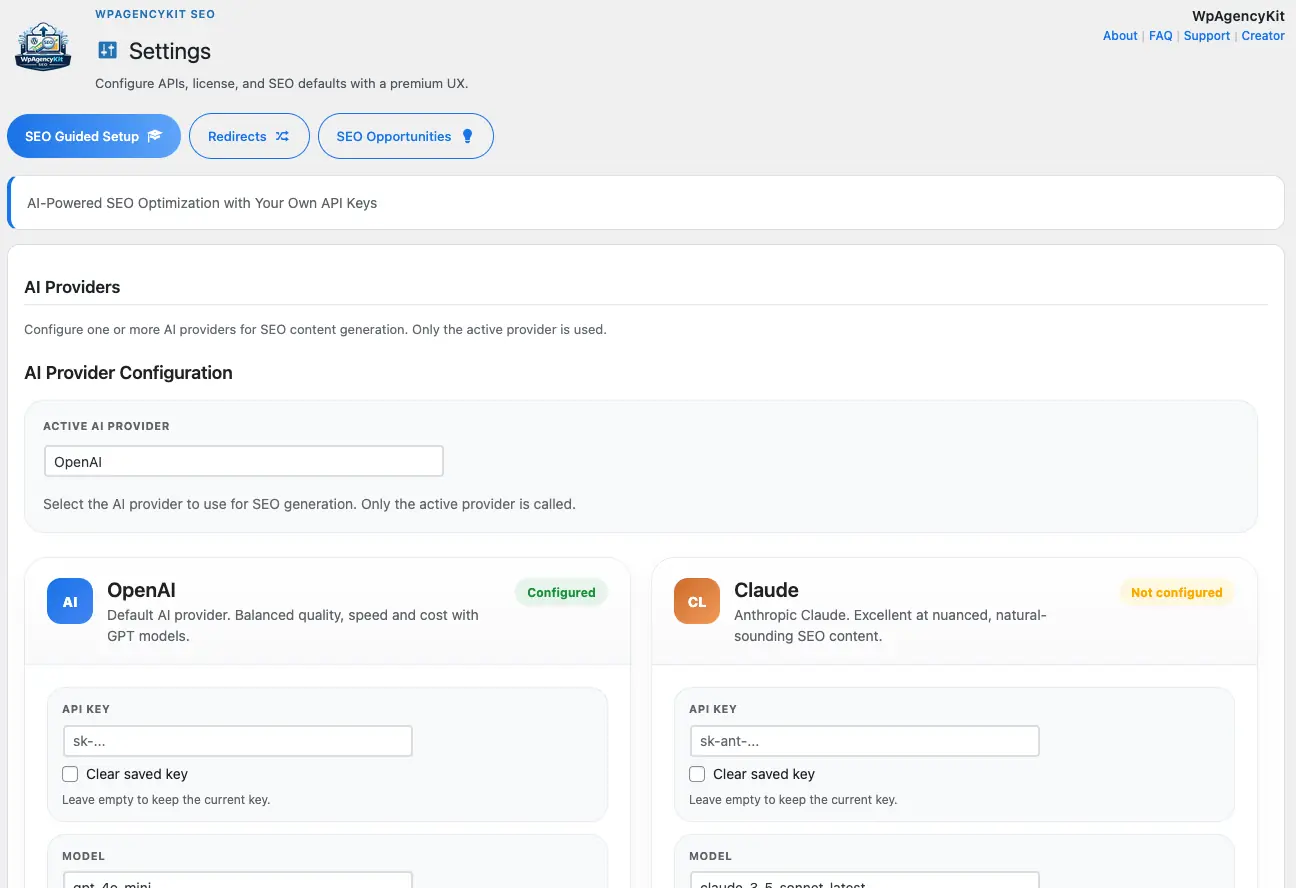
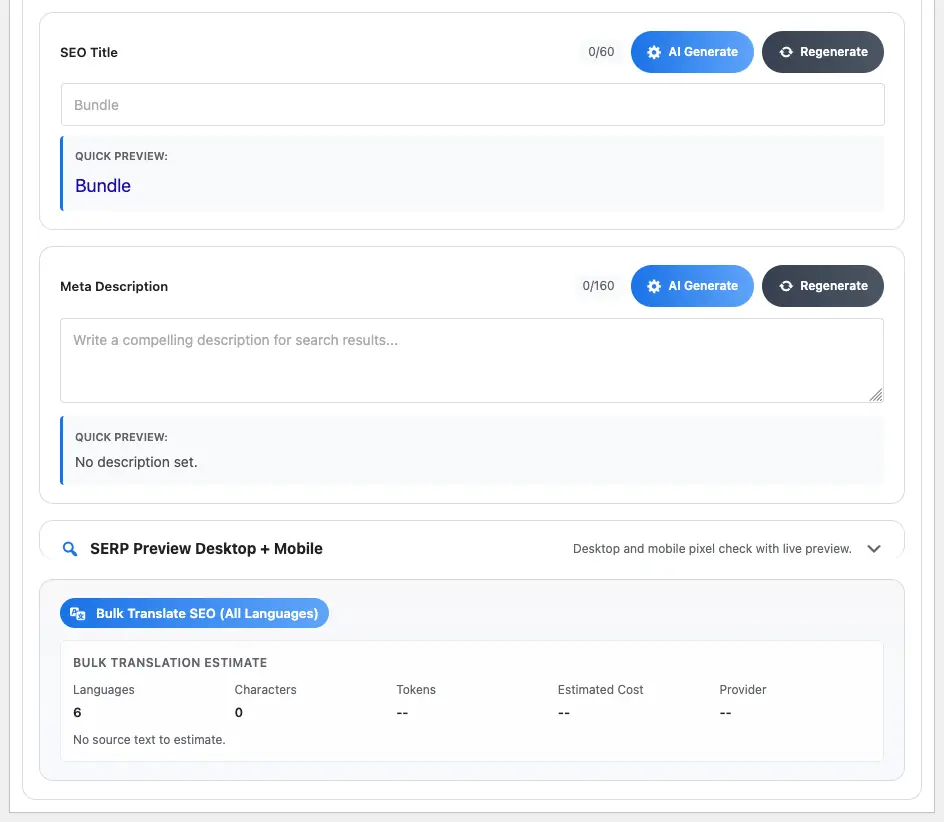
Generate meta titles & descriptions with real AI. BYOK, zero markup, zero hidden costs. Bulk across your entire site in one click.
One-time payment · All 5 plugins included · Lifetime OTA updates
Yoast SEO Premium alternative — Real AI vs templates · BYOK no markup · Save 99 euro/anno
Inside the plugin
AI-powered SEO optimisation. No subscriptions.
GPT-4, DeepSeek, or any compatible model. Contextual meta tags based on actual page content — not generic pre-filled phrases.
100, 500, 1,000 pages in one click. No artificial limits. No per-page cost.
Your API key, your AI provider. WPAK is not an intermediary. You pay only real consumption, directly to the provider.
Direct comparison
Confronto diretto. Dati reali.
| Caratteristica | WPAK-SEO | Yoast Premium |
|---|---|---|
| AI meta generation | ✓ Real AI (BYOK) | ✗ Templates — no real AI |
| Bulk processing | ✓ Illimitato — 1 click | ✗ Manual, page by page |
| Hidden AI costs | ✓ Zero — your own API key | ✗ No AI inclusa |
| AI provider choice | ✓ OpenAI, Anthropic, OpenRouter… | ✗ Not available |
| Licenza | ✓ A vita — pagamento una tantum | ✗ €99+/year |
| Siti inclusi | ✓ Fino a 40 (piano agenzia) | ✗ 1 sito per licenza |
| Add-ons required | ✓ Nessuno — everything included | ✗ Multiple paid add-ons |
| Staging gratuito | ✓ Sempre | ✗ Not included |
Workflow
OpenAI, or compatible provider. Direct connection — no WPAK intermediary account.
Bulk action from WP Admin: all pages, only those missing meta, or a manual selection.
AI reads your content and writes optimised meta tags. Review, edit if needed, publish.
Prodotto screens
Domande frequenti
WpAgencyKit SEO is a focused SEO toolkit for WordPress that pairs the essentials (titles, meta, schema, sitemap, redirects, 404 monitor, internal linking) with AI-powered content suggestions that read your real page and post content — not just the focus keyword.
Sì — like any SEO plugin, run only one at a time. WpAgencyKit SEO writes to the same head section and post meta fields, so running two SEO plugins in parallel produces duplicate tags. An importer for Yoast and RankMath fields is offered on plugin activation.
Sì. License tiers cover 1, 5, 25 or unlimited site activations. Each site activates against the same key, with grace-period handling for connectivity hiccups so a temporary network issue never locks your client sites.
Only when you click Generate on a specific post or page in the SEO metabox. Each request sends a chunked excerpt of that single page, plus your AI Premium profile prompt. No background uploads, no aggregate harvesting, no cron-based sending.
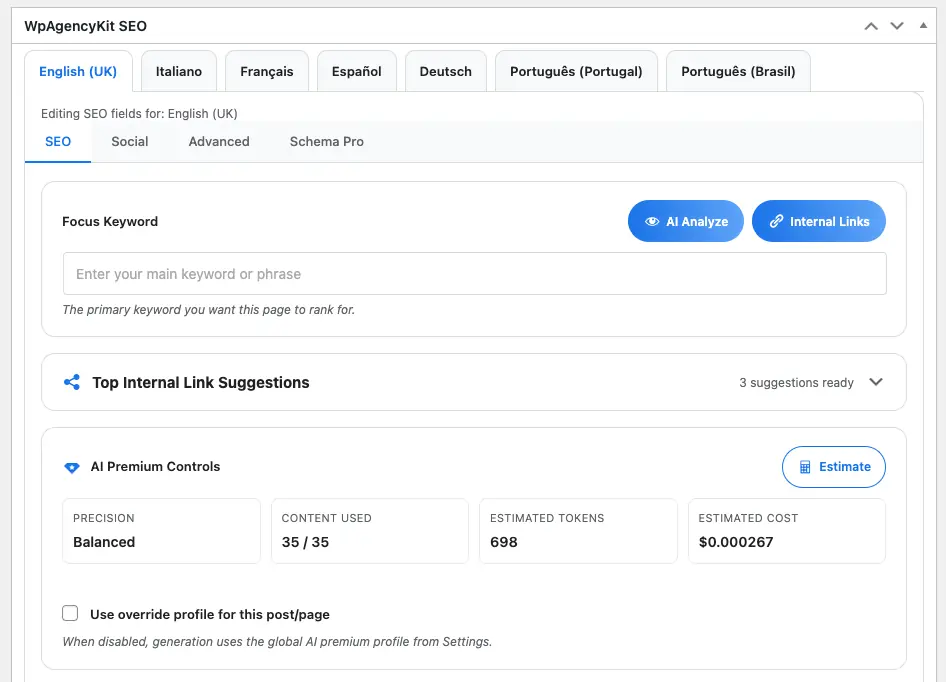
A pre-flight estimate of tokens and USD cost is shown in the metabox before each generation. Typical ranges per page with gpt-4o-mini are roughly $0.0001 (Fast), $0.0004 (Balanced) and $0.0016 (Deep). Results are cached briefly so re-opening the same page does not re-burn tokens.
The plugin ships placeholder GDPR templates (privacy policy snippet, internal editorial notice, B2B contract clause, breach checklist) that you adapt with your client's legal data. As Data Controller you remain responsible for the legal disclosure to end users.
Sì. Full WooCommerce Prodotto schema is auto-injected. Themify Builder text is read at the module level so AI suggestions reflect what visitors actually see. Elementor and Gutenberg block markers and shortcodes are stripped before sending the prompt to OpenAI. Other page builders work with standard post_content parsing.
Sì — the JSON bundle export includes all post meta, redirects, 404 history and schema settings. No vendor lock-in: your data stays portable.
The key is stored encrypted in wp_options on your own site, never transmitted to our servers. The plugin makes API calls directly from your server to OpenAI. You can revoke it any time from your OpenAI dashboard.
The metabox shows a clear inline error ("OpenAI: insufficient quota — top up at platform.openai.com"). Manual SEO fields stay editable; no data loss. Existing AI-generated content remains saved on the post.
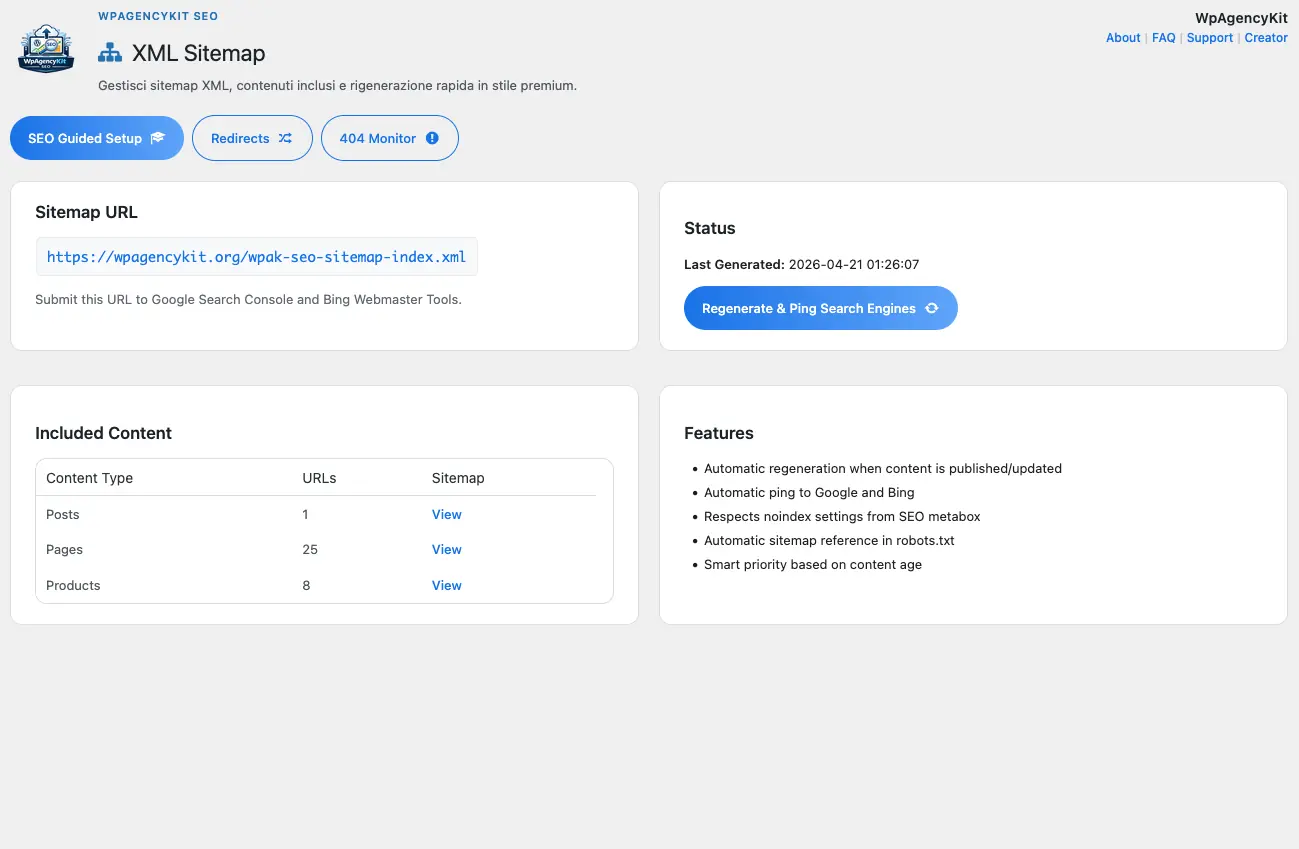
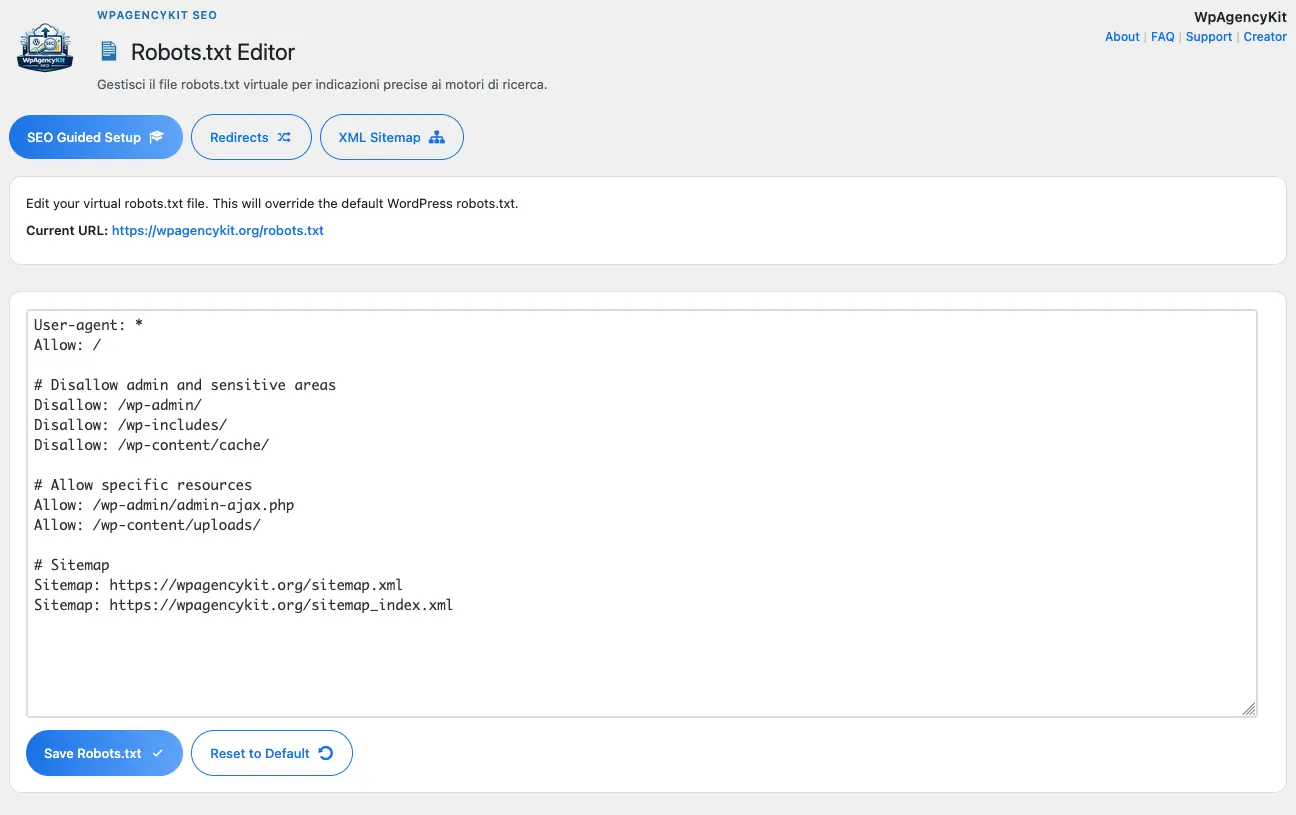
Sì — /sitemap.xml is created on activation and refreshed automatically on post save and taxonomy change. Configurable per post type, taxonomy and image inclusion, with auto-split into sub-sitemaps over 1,000 entries. Pings Google and Bing on update.
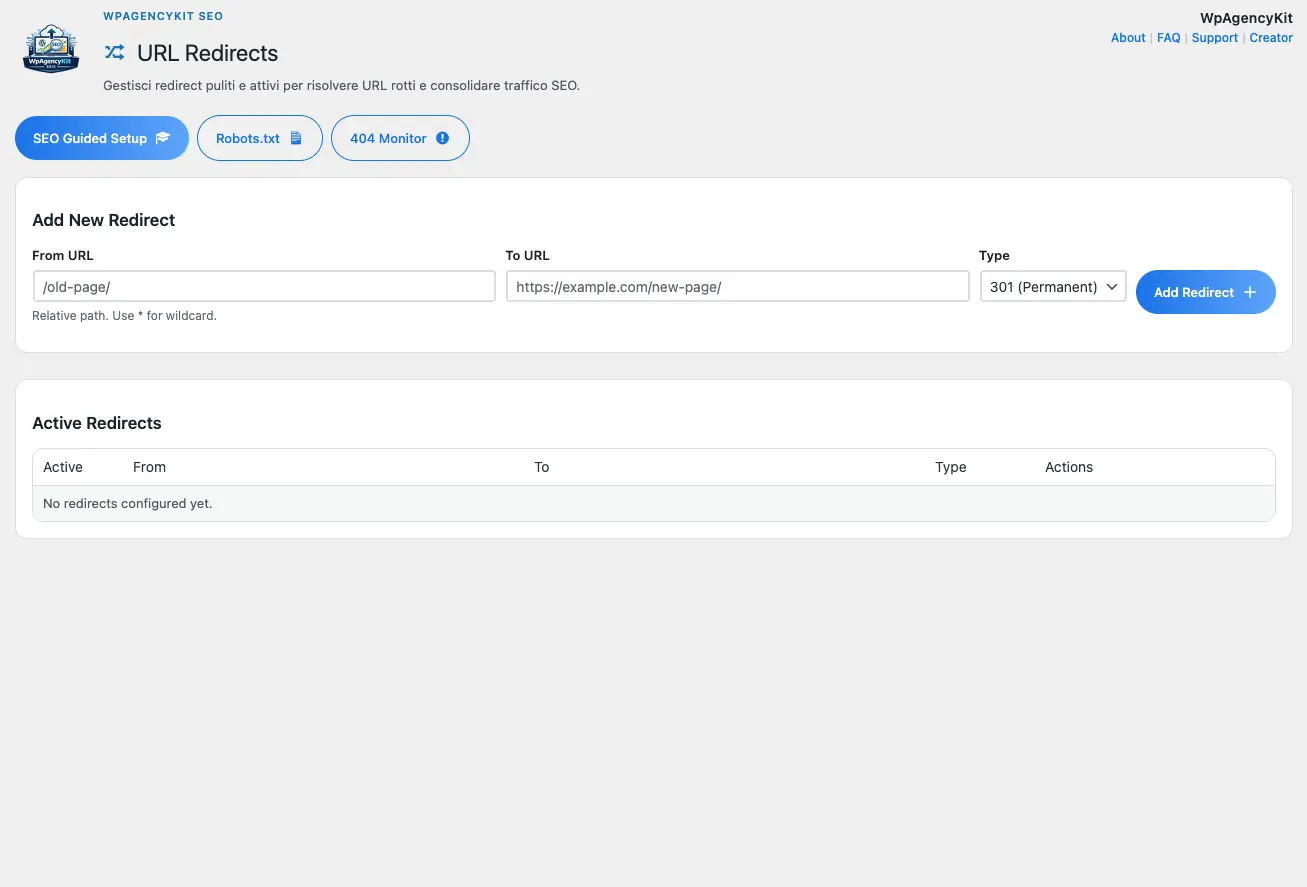
Two flavours: manual rules (regex or exact match, 301/302/307 per rule, query-string preservation toggle) and auto-redirect when you change a post slug (logged in the 404 Monitor for review). Imports from existing Redirection plugin tables on first run.
It captures every 404 request with referrer, user agent, IP and frequency count. One-click Create redirect turns a 404 path into a manual rule. Auto-cleanup of stale entries after a configurable retention period (default 30 days).
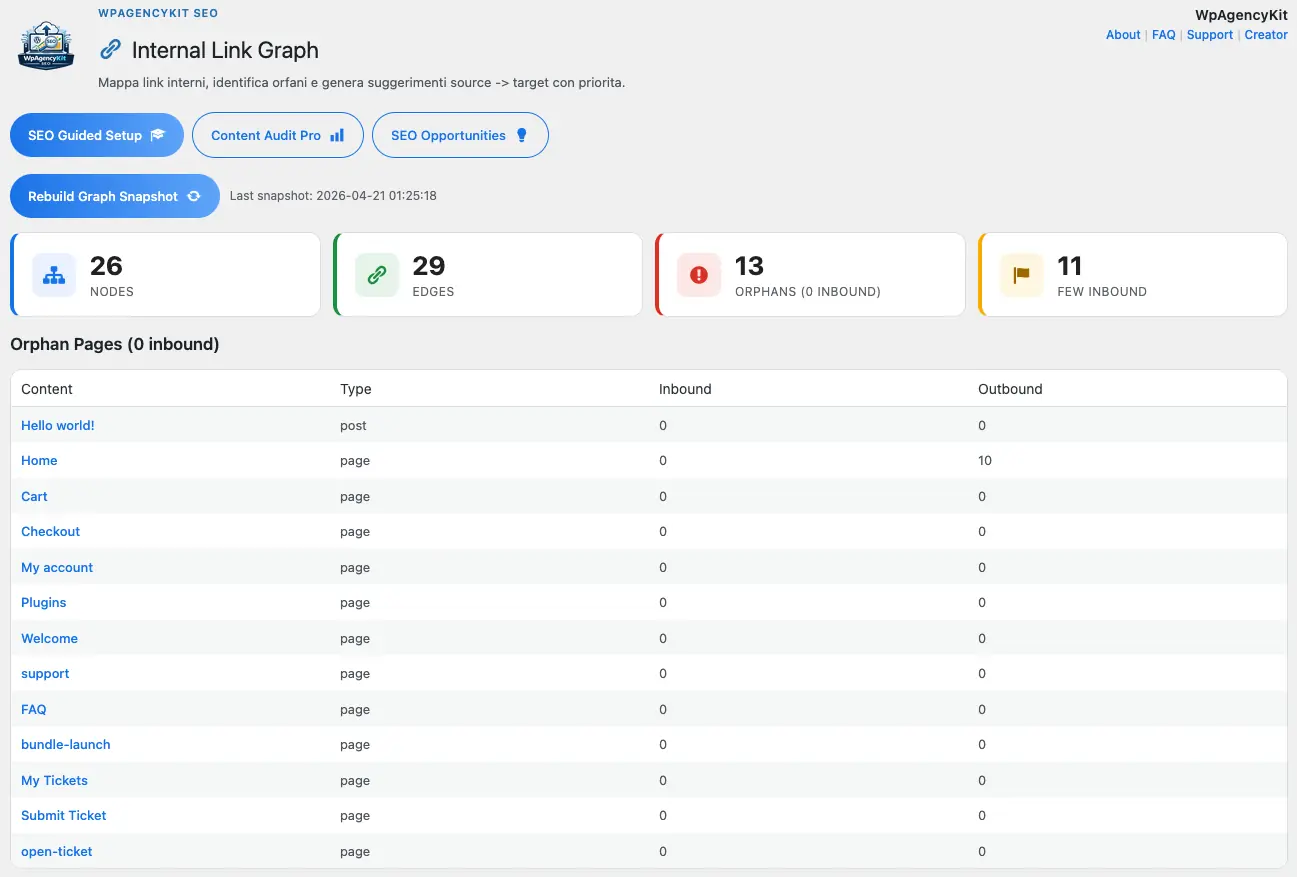
A visualisation and report of how your pages link to each other internally. Surfaces orphan pages (zero incoming internal links), pages with skewed link distribution, and anchor-text duplication — useful for content audits before redesigns or category reshuffles.
Article, WebPage, Prodotto (with WooCommerce data: price, availability, ratings), Organization, WebSite, BreadcrumbList, LocalBusiness with optional NAP and opening hours, plus FAQPage via shortcode. Output is JSON-LD in the head, validated against schema.org spec.
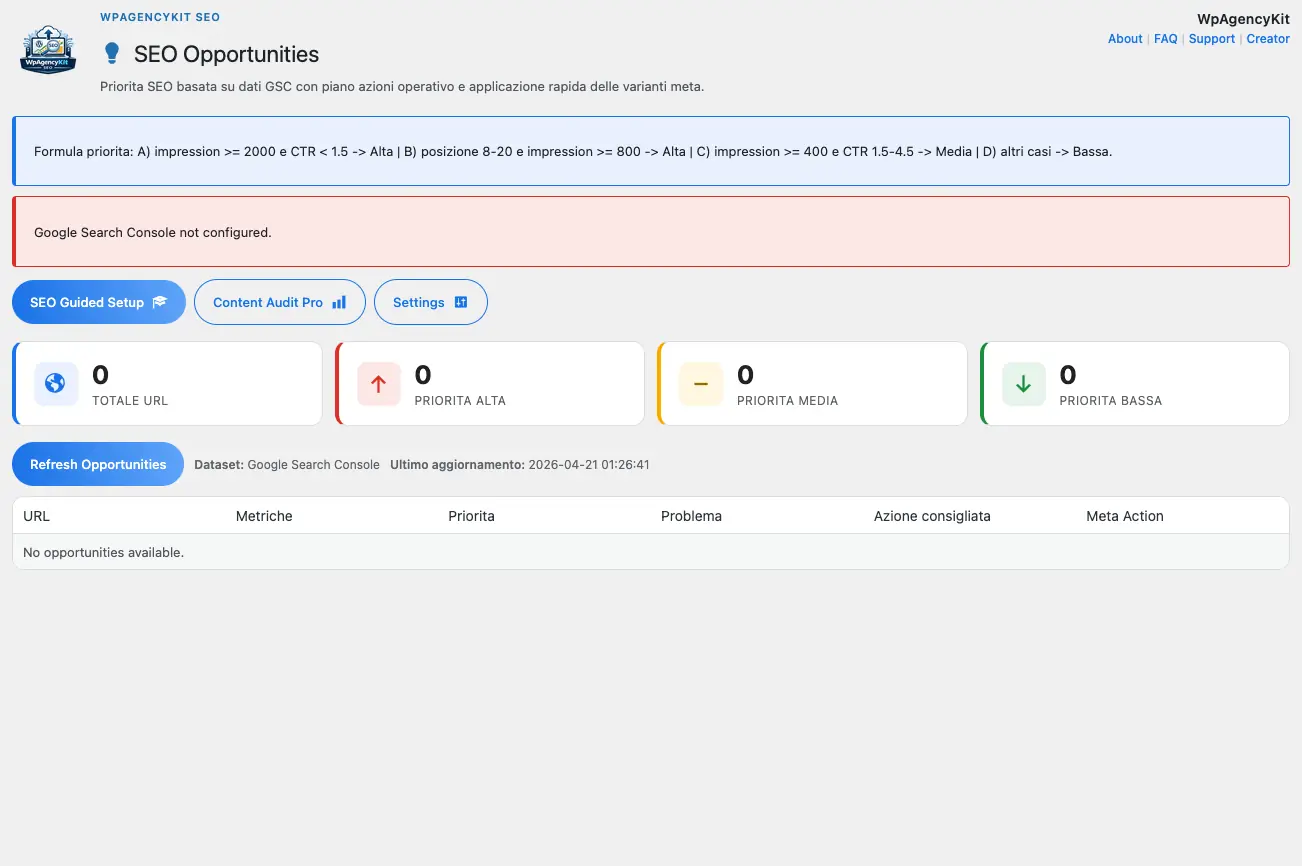
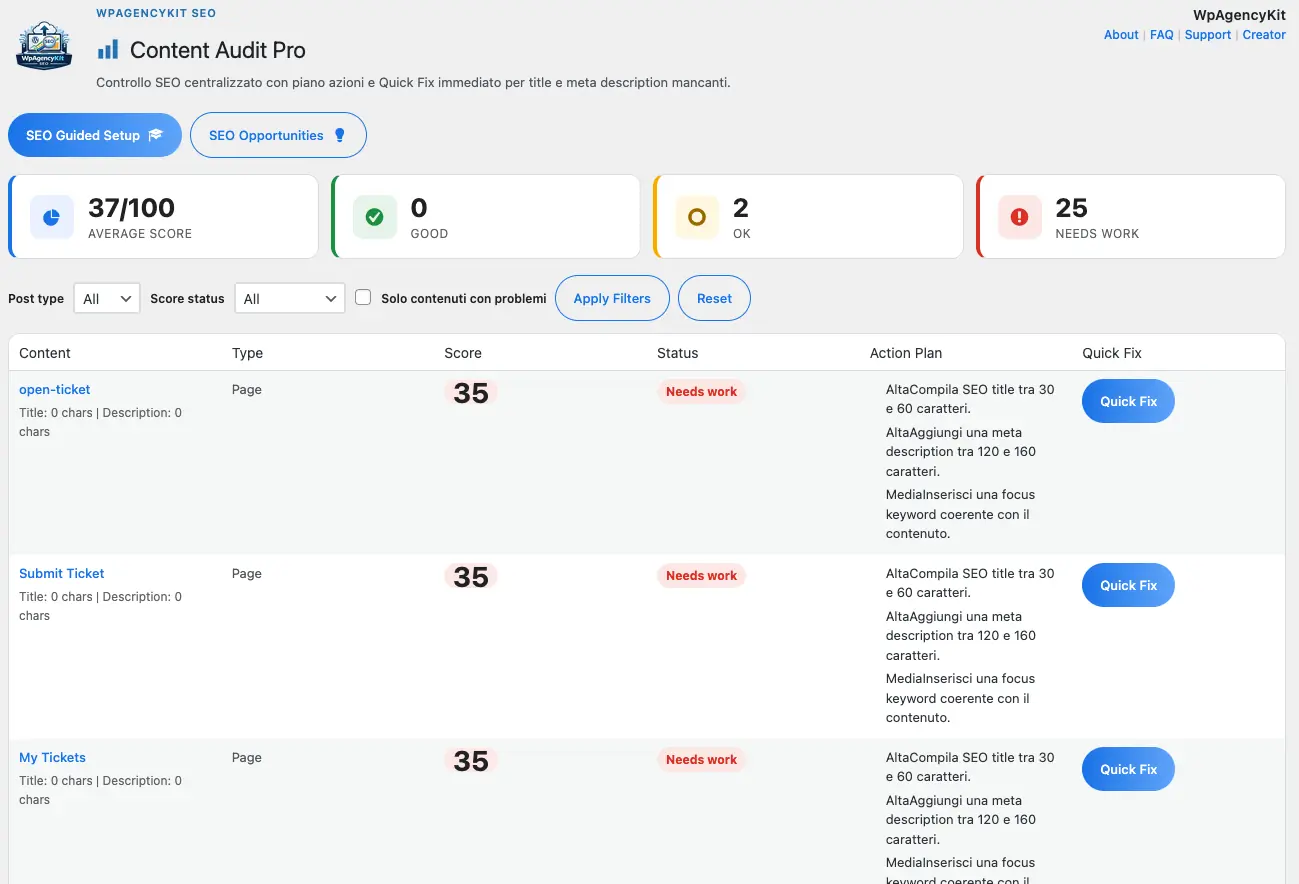
Sì. Content Audit Pro sweeps every published post and scores each on title length, meta description, focus keyword presence, internal links, image alt coverage, schema completeness and mobile-friendliness. Filterable, exportable to CSV. The SEO Opportunities tab surfaces the top 20 highest-impact fixes.
Incluso in the WpAgencyKit Pacchetto
All 5 plugins · Lifetime OTA updates · Staging always free