


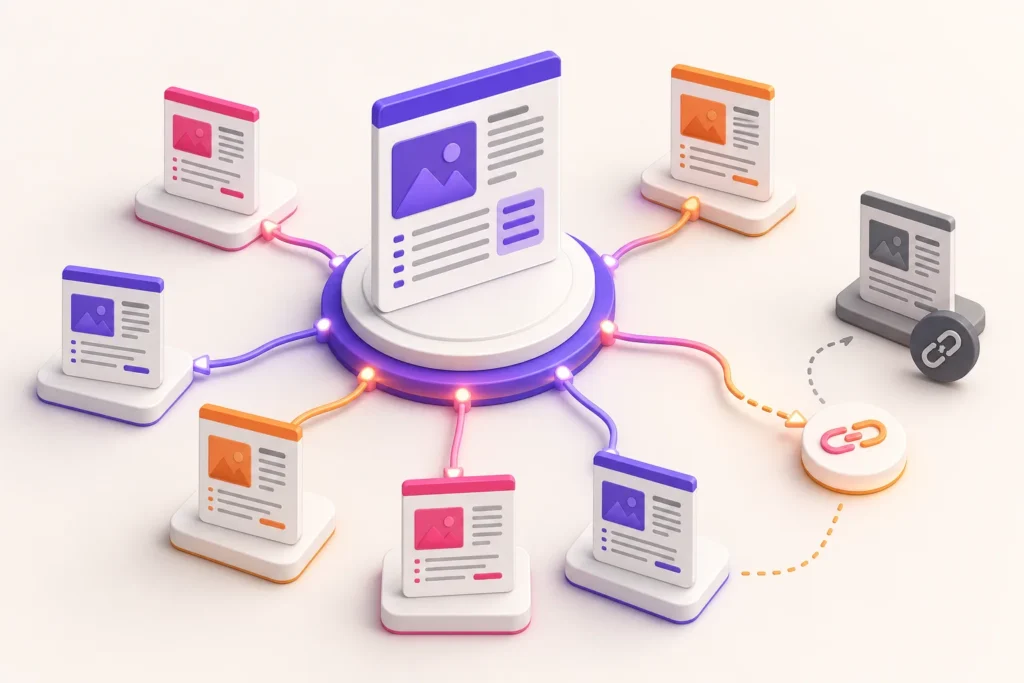
Internal links often begin as sensible editorial choices and decay into a collection of old URLs, generic anchors and isolated pages. The problem is not usually a lack of linking advice. It is the absence of a maintained operating process.
A WordPress internal linking workflow connects topic planning, publishing, content updates, redirects and 404 monitoring so that links remain useful to readers and crawlable by search engines.
Give every important page a role
Classify key content as:
- pillar or hub;
- supporting guide;
- commercial service or product page;
- proof, case study or comparison;
- help, policy or operational reference.
Then define which relationships are useful. A supporting tutorial may link to its pillar and relevant product. A pillar should link to its strongest supporting guides. A commercial page can link to educational material that answers objections without turning every sentence into a promotion.
Use crawlable, descriptive links
Google generally crawls links implemented as <a> elements with an href that resolves to a real URL. Script-only pseudo-links may not provide the same dependable discovery path.
Anchor text should be concise, relevant and understandable in context. Avoid repeating “click here” or forcing the same keyword-rich phrase everywhere.
Link when the destination genuinely helps the reader complete the current task.
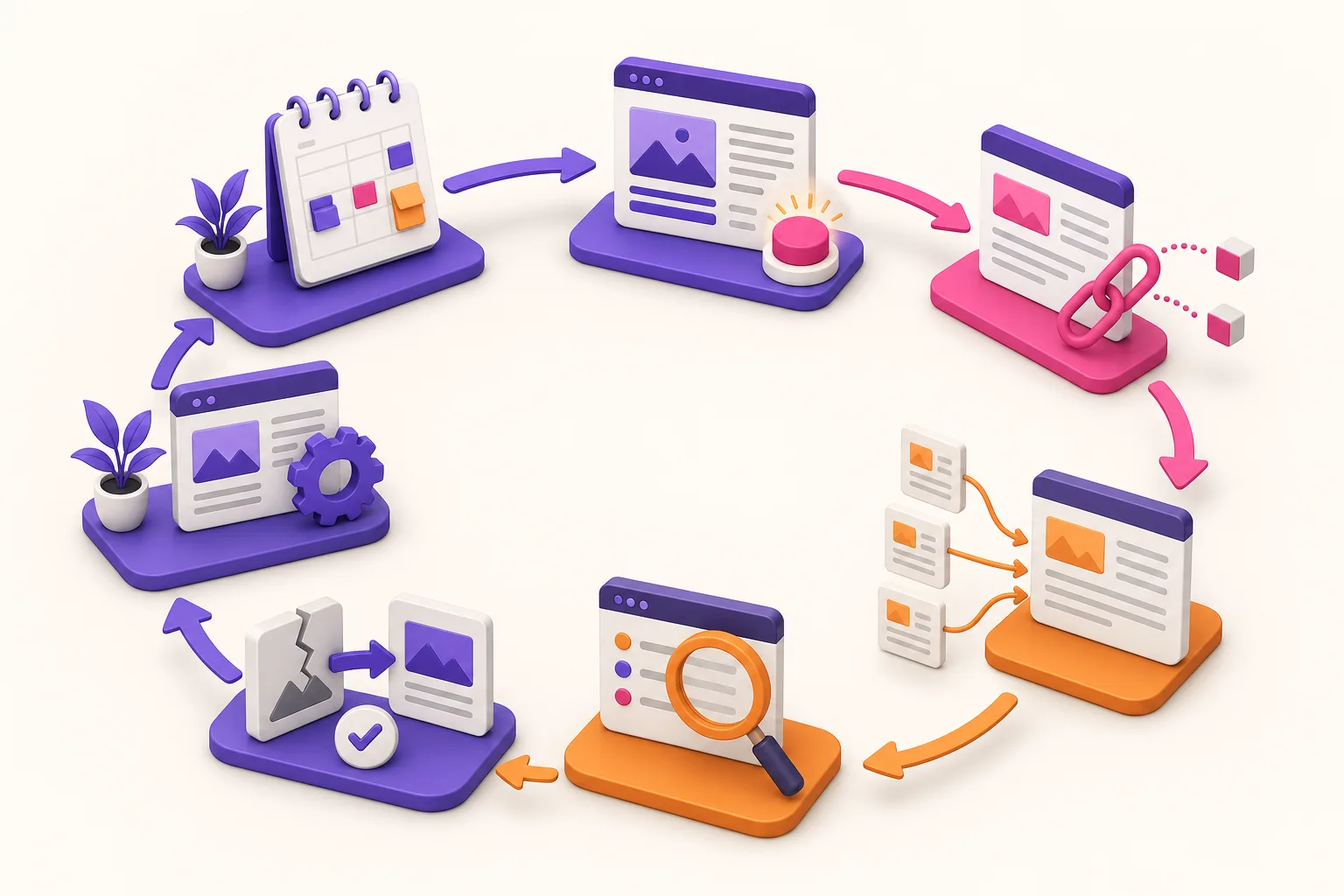
Use one publishing and maintenance cycle
1. Map the topic before writing
Identify the pillar, neighbouring articles, product reference and likely inbound-link sources.
2. Add contextual outbound links
Link from the new page to relevant existing resources using natural anchors.
3. Add inbound links
Update at least one established page that can introduce the new resource. A published page with no internal route may remain hard for users and crawlers to discover.
4. Verify destinations
Check status, canonical URL, indexation intention and language. Do not point prominent links through avoidable redirects.
5. Record the relationship
Maintain a content registry or link graph so future editors can understand the cluster.
6. Audit after structural change
When URLs move or content is consolidated, update source links and apply an appropriate redirect.
7. Monitor 404 evidence
Review broken requests, identify internal sources and decide whether to restore, redirect or leave a genuine not-found response.
Choose links by reader need
Ask:
- What concept needs more explanation?
- What next step is useful?
- Is there a stronger first-party page than the one currently linked?
- Will the destination remain relevant if this paragraph is read months later?
- Is the link language consistent with the destination?
Avoid adding links solely to reach a target count. Dense, repetitive linking can make an article harder to use.
Build content clusters without cannibalisation
A cluster works when each page has a distinct intent.
For example:
- a pillar explains the complete agency SEO system;
- a tutorial explains how to audit metadata;
- a comparison examines bulk and manual editing;
- a workflow article explains internal linking.
They can reference one another because they solve different reader problems. If two drafts target the same intent, consolidate or reposition them before publishing.
The WpAgencyKit Content Hub is being organised through this pillar-and-support model, with the editorial registry preventing duplicate topics.
Handle redirects and 404s deliberately
When a linked page moves to a clear replacement, use a permanent redirect and update important internal links to the new URL. This reduces unnecessary hops and keeps editorial context current.
When content is gone with no replacement, a genuine 404 or 410 may be appropriate. Google warns against soft 404s that display an error or empty page while returning a successful 200 status.
Do not redirect every missing URL to the homepage. Choose the outcome that best represents what happened to the content.
Audit the graph, not only individual pages
Useful portfolio questions include:
- Which important pages have no inbound internal links?
- Which pages receive many links but are no longer strategic?
- Which anchors are generic or misleading?
- Which links point through redirects or to errors?
- Which clusters have supporting content but no clear pillar?
- Which commercial pages lack educational support?
- Which language versions send users back to the source language?
WpAgencyKit SEO includes an internal-link graph, content auditing and 404 monitoring. Use those findings to support editorial decisions rather than automatically inserting every suggested link.
Prioritise link work sensibly
Not every orphan or broken request has the same importance. Prioritise:
- links inside current high-value journeys;
- important pages with no useful inbound route;
- repeated broken destinations caused by a template or navigation element;
- links pointing through avoidable redirects;
- older low-traffic references with no clear reader impact.
Combine link data with page purpose and status. A high link count does not prove a page is valuable, and a new specialist article may deserve deliberate inbound links before it has accumulated traffic.
Add internal links during updates
When refreshing an older page:
- verify its intent and canonical URL;
- remove obsolete destinations;
- add relevant newer resources;
- review inbound links if the focus changed;
- update anchors that no longer describe the destination;
- verify the rendered links and status codes.
This turns content maintenance into cluster maintenance.
Internal linking QA checklist
- every important page has at least one useful internal route;
- anchors describe the destination naturally;
- links use crawlable HTML and valid URLs;
- destinations return the intended status;
- prominent links avoid unnecessary redirects;
- language and market context are appropriate;
- related articles serve distinct intents;
- removed content has a deliberate response;
- new publications receive relevant inbound links;
- changes are recorded in the content system.
Maintain a useful network
Internal links are part of the information architecture, not decoration added after writing. Plan relationships before publication, add links in both directions and maintain them when content changes.
The result should help a reader move through a subject naturally while giving the agency a visible, auditable structure for ongoing SEO work.