



A translated product page can read naturally and still use the wrong product name. A plan called “Studio” might become an ordinary noun in one language, while a brand name acquires a different spelling in a checkout button.
WordPress translation glossary management gives those choices an explicit owner and an approved form. It helps reviewers distinguish words that should be translated from names that must remain recognisable across the site.
Separate names from ordinary language
Begin with terms that affect recognition or meaning: brand names, product names, plan names, feature labels and specialist vocabulary. Avoid declaring whole paragraphs “do not translate” simply because they contain one protected name.
A brand can remain unchanged while the sentence around it follows local grammar. Currency, dates and measurement units need their own localisation decisions. A glossary is not a replacement for those rules.
| Term type | Example | Editorial rule |
|---|---|---|
| Brand | WpAgencyKit | Preserve approved spelling |
| Plan name | 120Agency | Preserve exact name |
| Generic action | Add to basket | Translate for the target locale |
| Feature concept | Automatic updates | Agree a consistent local equivalent |
| Placeholder | {customer_name} |
Preserve syntax; translate surrounding copy |
These examples describe a terminology policy. They do not imply that every translation engine recognises placeholders or enforces glossary rules automatically.
Build a usable glossary record
A two-column source/translation list is often too ambiguous. Add context so a reviewer knows whether “plan” refers to a subscription, a project schedule or a proposed course of action.
For each entry, record the source term, locale, approved form, prohibited variants, example sentence, owner and review date. Give protected names a specific rule such as “preserve spelling and capitalisation” rather than leaving the translation cell blank.
An example entry might read: source “120Agency”; locale Italian; approved form “120Agency”; context bundle tier; rule preserve exact spelling; English source example “Choose 120Agency for the required site allowance”; Italian example “Scegli 120Agency per il numero di siti necessario”. The surrounding Italian sentence still needs review.
Keep the glossary with the multilingual client workflow, where source ownership and publication responsibility are already recorded. A glossary that only one freelancer can access will be difficult to maintain after handover.
Check what the installed tools actually support
Translation products and providers differ. Some accept glossary entries for certain language pairs; others use prompts, protected markup or manual corrections. A setting in one provider is not evidence that another provider honours the same rule.
Before applying a large batch, test the installed plugin version and selected provider on a short draft. Include the term in a heading, a complete sentence and a button label. Check whether HTML, punctuation or surrounding grammar changes the result.
If the tool cannot enforce the required rule reliably, retain the glossary as a review checklist and use a controlled manual correction. Do not advertise automated protection that you have not verified.
Review the whole customer journey
Terminology often appears outside the main article body. Search for the affected term in the page title, SEO title, description, menus, product cards, buttons, cart and confirmation copy. Check image text separately because ordinary text translation may not reach it.
| Surface | What to inspect | Evidence to keep |
|---|---|---|
| Heading and body | Meaning and exact protected name | Approved text revision |
| Button | Clear action and available space | Mobile preview |
| Product card | Same plan name as destination | Source and destination URLs |
| Metadata | Natural phrasing without wrong names | Saved title and description |
| Email or receipt | Correct plan and purchase context | Safe test message |
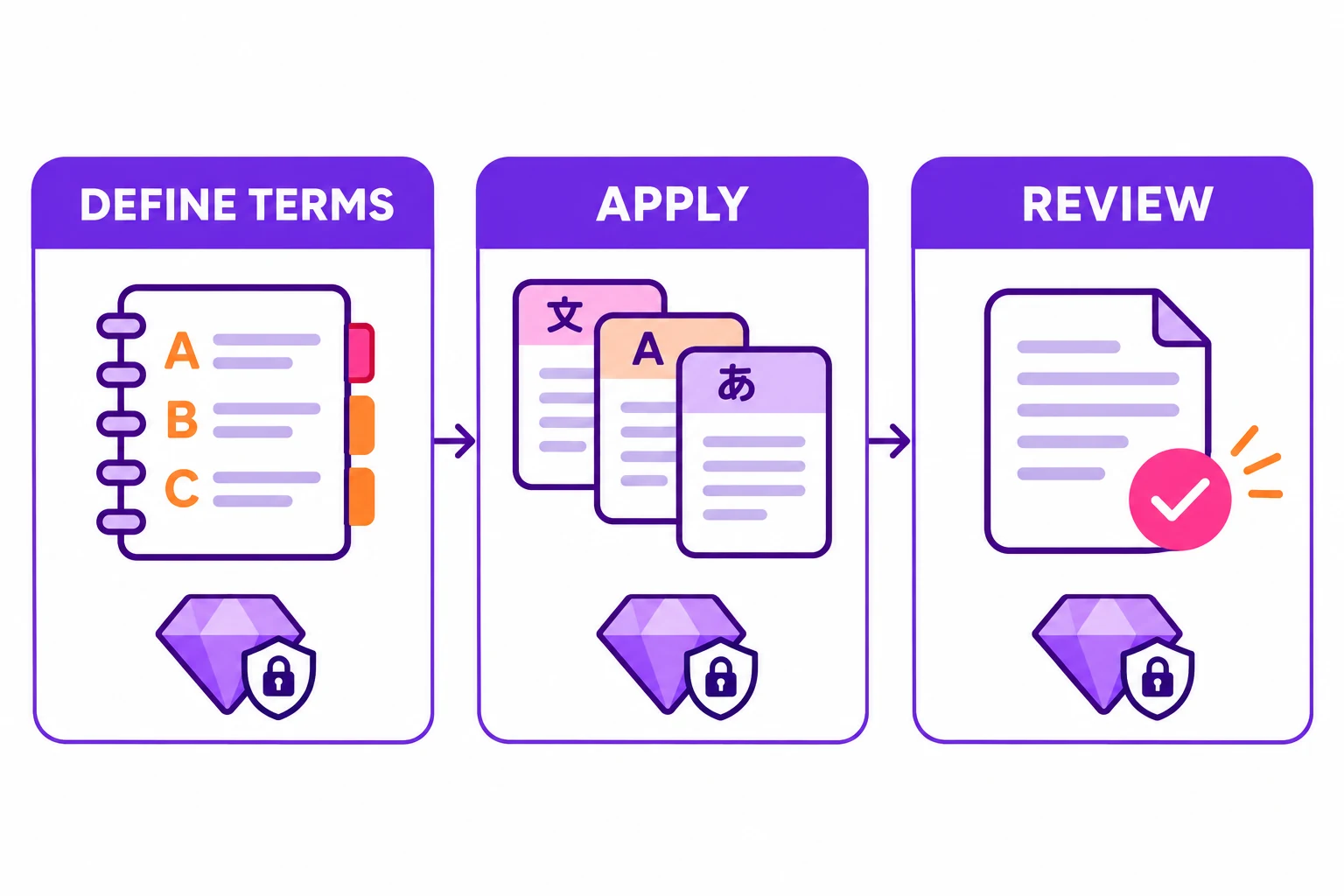 KI-Illustration
The important test is consistency in context. A short label can pass a terminology check while becoming unclear when separated from the paragraph that explains it.
Give reviewers a focused acceptance test
Ask reviewers to identify incorrect terms, not merely whether the translation “sounds good”. Choose the right human review for the consequence of an error. A commercial plan name or eligibility condition deserves more attention than a low-risk descriptive sentence.
A useful test set includes a normal sentence, a plural context, a heading, a compact button and a sentence containing two similar product names. Compare against the approved rule and record the exact field that failed.
Do not silently change the glossary to match an inconvenient generated result. Resolve the term with its owner, then update the record and affected pages together.
Keep terminology and URL checks connected
A protected brand name does not repair a broken language route. After editing translated slugs or page associations, run the multilingual SEO checks for working URLs, canonical context and language relationships.
Google's guidance on localised versions addresses how equivalent pages are identified. It does not validate the wording of your product names. Treat routing and editorial review as separate checks in the same release.
Maintain a short change history
When a product is renamed, list the old term, new approved term, affected locales and pages requiring review. Retain the old entry as a deprecated form so future editors can recognise it.
For a WordPress-managed workflow, review the current WpAgencyKit Translate capabilities against that process. Translate includes a per-language glossary and a Do Not Translate list for brand and product names; still test the setup on a short draft before relying on it. The goal is an approved vocabulary that survives repeated updates, provider changes and client handovers—not a one-off translation that happens to look correct today.