



Uploading a plugin ZIP through WordPress can be perfectly reasonable. It becomes risky when the agency cannot answer which source produced the ZIP, who approved it, which client sites received it or how to restore the previous version.
GitHub-based delivery can improve traceability and consistency, but automation does not make an unsafe release safe. Agencies still need version control, testing, approval and rollback.
This guide compares manual versus GitHub WordPress deployment and shows how to select a workflow that matches the risk.
What manual deployment actually includes
A manual plugin update normally involves downloading or building a ZIP, opening a target WordPress dashboard, uploading or replacing the plugin and checking the result.
Advantages:
- simple for occasional changes;
- no repository integration required;
- an operator can choose the exact target moment;
- useful for one-off client-owned plugins.
Risks:
- the ZIP may not match the reviewed source;
- filenames and local copies become ambiguous;
- different sites may receive different builds;
- audit evidence depends on manual notes;
- repeating the process increases human error;
- rollback files may be missing.
Manual does not mean uncontrolled. A disciplined manual release can still use tagged source, checksums, approval and a documented rollback file.
What GitHub-based deployment adds
GitHub releases can package a version, release notes and downloadable assets around a tag. A WordPress updater can use that release information to detect and install an approved plugin version.
Advantages:
- one identifiable source and version;
- consistent assets for multiple sites;
- clearer release notes and history;
- easier automation and repeatable checks;
- reduced handling of local ZIP copies.
Risks:
- incorrect tags or assets can propagate quickly;
- tokens and webhook secrets require careful management;
- private repositories add permission dependencies;
- automation can hide a failed or partial deployment;
- target-site compatibility still varies.
GitHub is a distribution control, not a substitute for staging or production verification.
Compare the two methods by risk
| Requirement | Manual update | GitHub-based update |
|---|---|---|
| One small site | Often sufficient | May add unnecessary setup |
| Many managed sites | Repetitive and error-prone | Stronger consistency and scale |
| Audit trail | Must be recorded separately | Tag, release and updater logs can help |
| Private code | Local access can work | Requires controlled repository credentials |
| Emergency rollback | Needs retained previous ZIP | Can use a known previous release if supported |
| Approval gate | Human operator can pause | Must be designed into automation |
| Reproducibility | Depends on build discipline | Strong when release assets come from reviewed source |
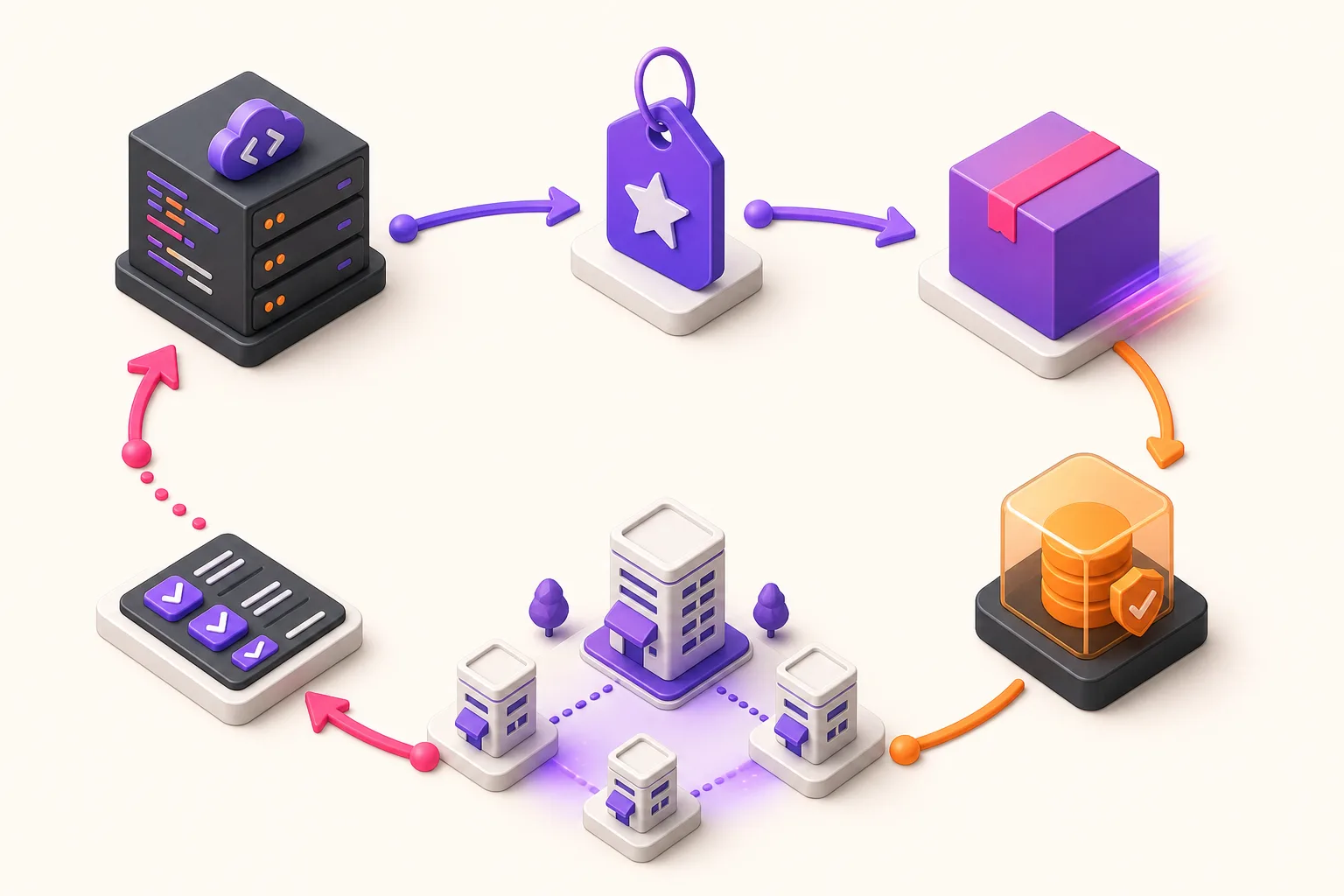
Use one controlled release sequence
Regardless of delivery method, use the same sequence.
1. Define the change
Record the intended behaviour, affected components and reason for release.
2. Prepare the version
Update the plugin version and changelog. Build the release from the reviewed source, not an unrelated working directory.
3. Test proportionately
Run automated checks and test a representative WordPress environment. Focus on activation, upgrade paths, saved data and critical front-end or admin journeys.
4. Approve the exact artefact
Approval should identify the version, tag or ZIP, not merely say “deploy the latest changes”.
5. Establish recovery
Confirm backups, the previous plugin version and any database implications. A code rollback cannot automatically reverse every data migration.
6. Deploy to a bounded target
Start with the approved site or staging environment. Do not treat a release created on GitHub as proof that WordPress installed it.
7. Verify the runtime
Check the installed version, activation state, logs and critical user journey. Record the result for each target.
Create a real rollback plan
“Restore the backup” is incomplete unless the team knows which backup, who can access it and what will be lost.
For plugin changes, document:
- previous working version;
- compatible database state;
- location of the recovery package;
- trigger for rollback;
- person authorised to act;
- expected service impact;
- post-rollback checks.
If the release changes database structure or stored content, test the downgrade or create a forward-fix plan. Replacing plugin files may not safely undo migrated data.
Protect tokens and webhooks
GitHub-based systems may use personal access tokens, application credentials or webhook secrets.
Apply least privilege:
- grant only required repository access;
- use organisation-owned credentials where practical;
- avoid sharing one personal token across the agency;
- store secrets in appropriate protected settings;
- rotate credentials when staff or suppliers leave;
- verify webhook signatures;
- document which sites depend on each credential.
Do not place tokens in release notes, source files or ordinary project documents.
Decide how updates are triggered
Common models include:
- an administrator manually approves each available update;
- WordPress polls the repository and exposes the release in the normal update screen;
- a webhook notifies the site when a release is published;
- a central process deploys approved versions to selected targets.
Choose based on client risk and agency ownership. Real-time notification does not have to mean immediate unattended installation.
WpAgencyKit Deploy2WP supports updates from public and private GitHub releases, webhook handling and update logging. Agencies should still define approval, testing and rollback around those capabilities.
When manual updates remain appropriate
Manual delivery may be the better choice when:
- there is one low-change site;
- the client owns the package and release process;
- repository access cannot be granted appropriately;
- the plugin is being installed once rather than maintained;
- automation cost exceeds the operational benefit.
Use a release checklist and retain the approved ZIP and previous version.
When GitHub delivery becomes valuable
GitHub-based delivery is especially useful when:
- the agency maintains its own plugins;
- the same product runs on several sites;
- versions and changelogs matter contractually;
- multiple team members contribute code;
- private releases need controlled distribution;
- a consistent audit trail reduces support risk.
Verification checklist
- source commit and release tag match;
- release asset contains the intended plugin folder and files;
- version and changelog agree;
- automated tests passed;
- backup and previous release are available;
- target site and environment are explicit;
- installed version matches the approved release;
- activation and update logs show success;
- critical admin and public journeys work;
- outcome is recorded per site.
Choose control before convenience
Manual and GitHub-based updates can both be safe or unsafe. The difference is whether the agency can trace, approve, recover and verify the change.
Use manual delivery for bounded, occasional work with disciplined records. Use GitHub releases when repeatability, distribution and version history justify the setup. In both cases, a deployment is not finished when files move; it is finished when the intended version is running and the relevant site behaviour has been checked.