


Private Repos — Native
GitHub — including private repositories. Não workarounds, no token hacks. Native authentication out of the box.

WPAK-Deploy2WP
GitHub. Private repos native. MonoRepo & SingleRepo.
One-time payment · All 5 plugins included · Lifetime OTA updates
Git Updater alternative — Native private repos · MonoRepo support · Save €120/ano
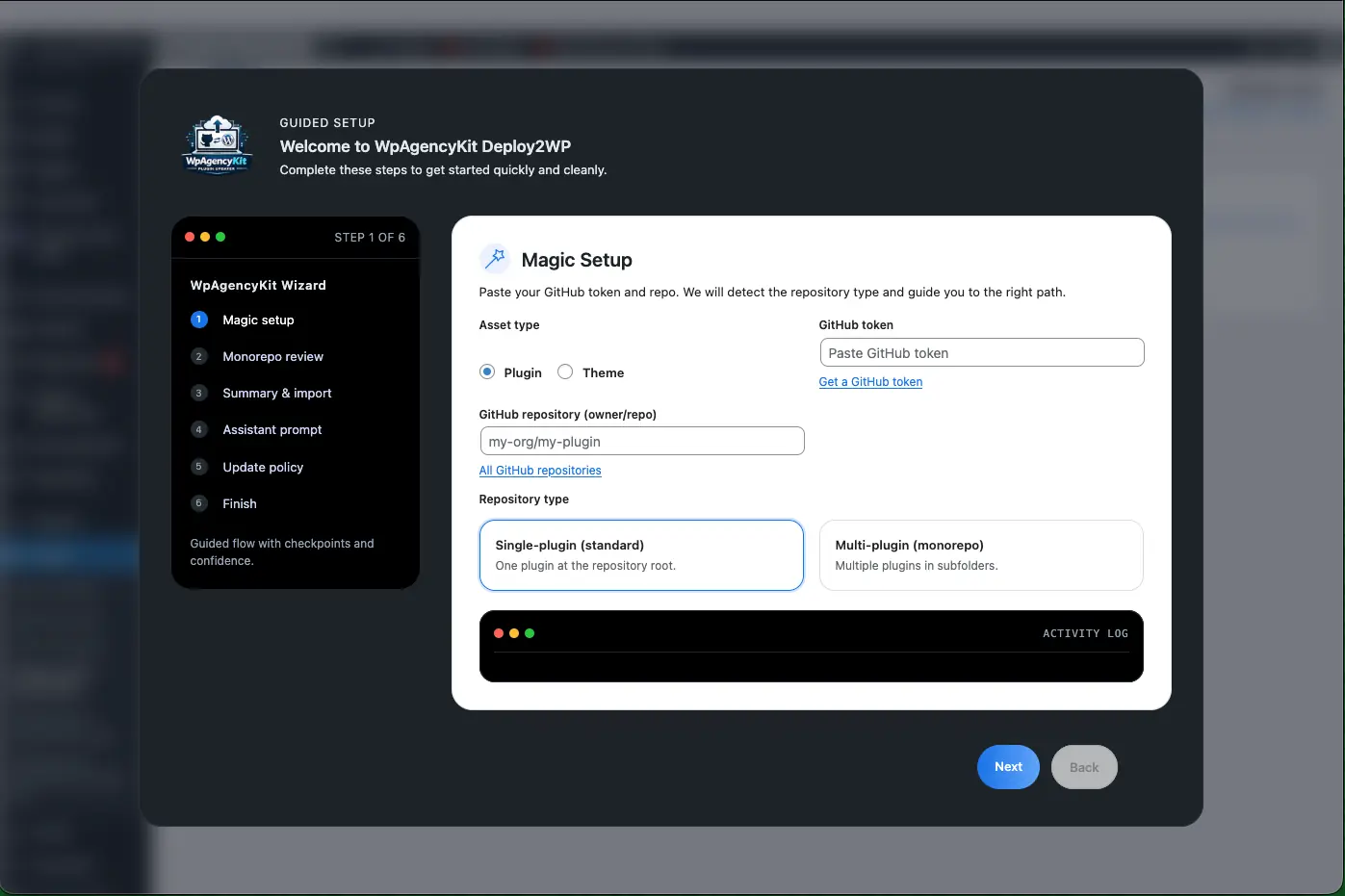
Inside the plugin
Professional Git-to-WordPress deployment. Não intermediaries.
GitHub — including private repositories. Não workarounds, no token hacks. Native authentication out of the box.
Deploy from monorepos (multiple plugins/themes in one repo) or single repos. Full support for both architectures.
Failed deploy, automatic rollback. Full log for every deploy.
Direct comparison
Comparação direta. Dados reais.
| Caraterística | WPAK-Deploy2WP | Git Updater |
|---|---|---|
| Private repositories | ✓ Native — no workarounds | ✗ Limited / extra config needed |
| MonoRepo support | ✓ Full MonoRepo + SingleRepo | ✗ SingleRepo only |
| Automatic rollback | ✓ With full deploy log | ✗ Manual |
| Deployment triggers | ✓ Auto webhooks + manual | ✗ Mostly manual |
| Sites incluídos | ✓ Até 40 (plano de Agência) | ✗ Per-site / subscription |
| Licença | ✓ Lifetime — one-time payment | ✗ €120+/year (Pro) |
| Staging gratuito | ✓ Sempre | ✗ Conta como um site |
| Hidden costs | ✓ Zero | ✗ Per-feature/site pricing |
Workflow
GitHub token. Private repo? Não problem — native authentication.
Repo folder (MonoRepo) or full repo (SingleRepo) → plugin/theme on target site.
Push to Git → webhook triggers deploy automatically. Rollback automatic.
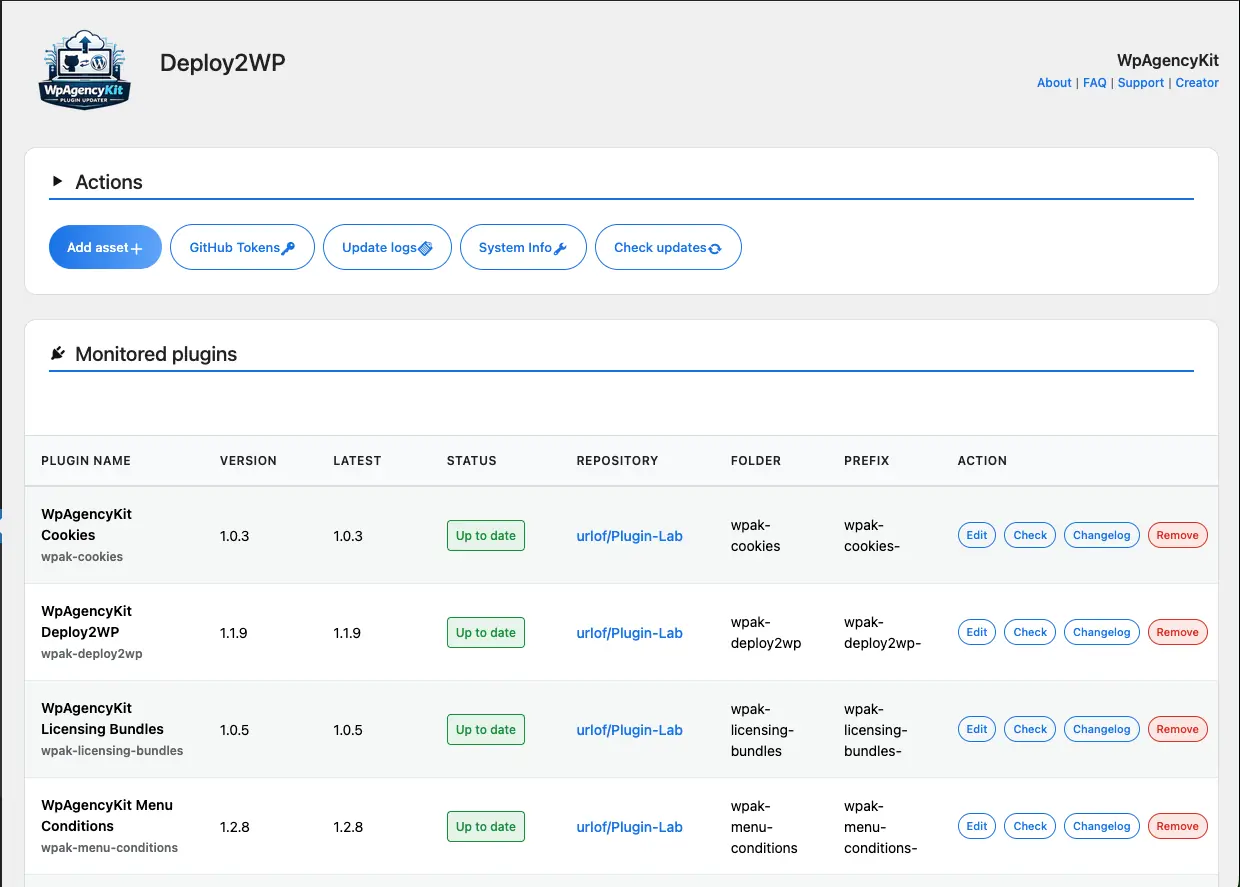
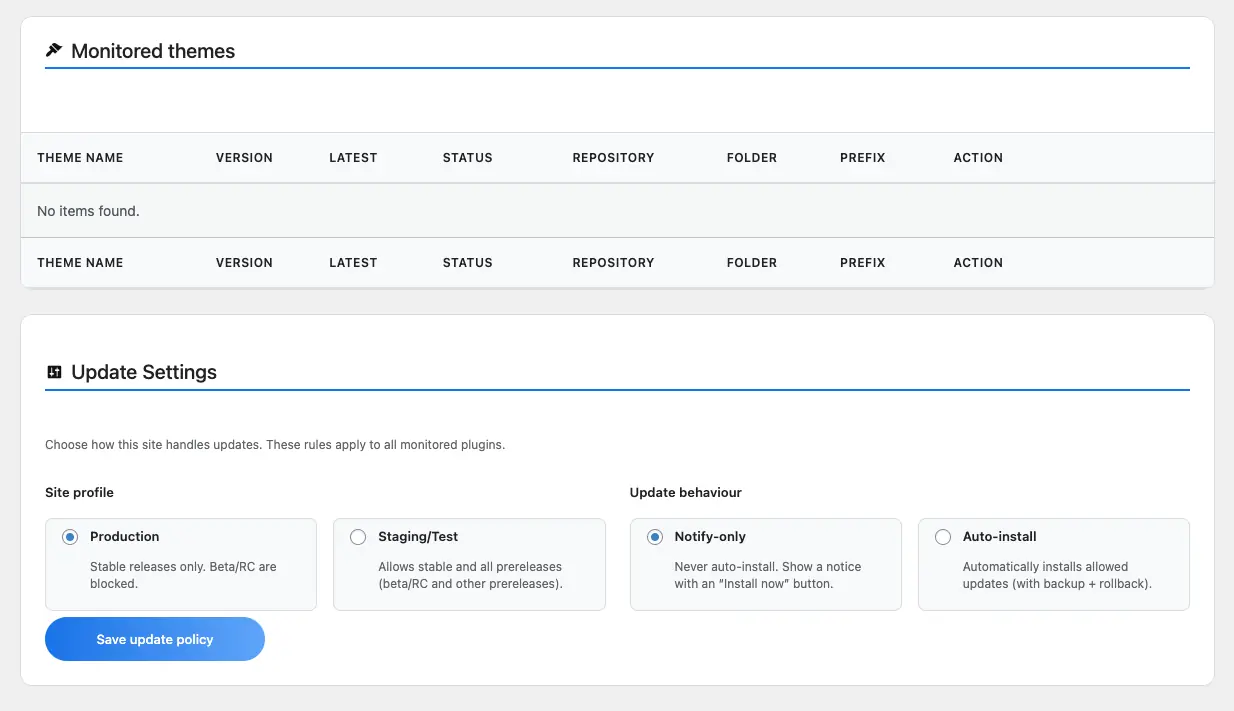
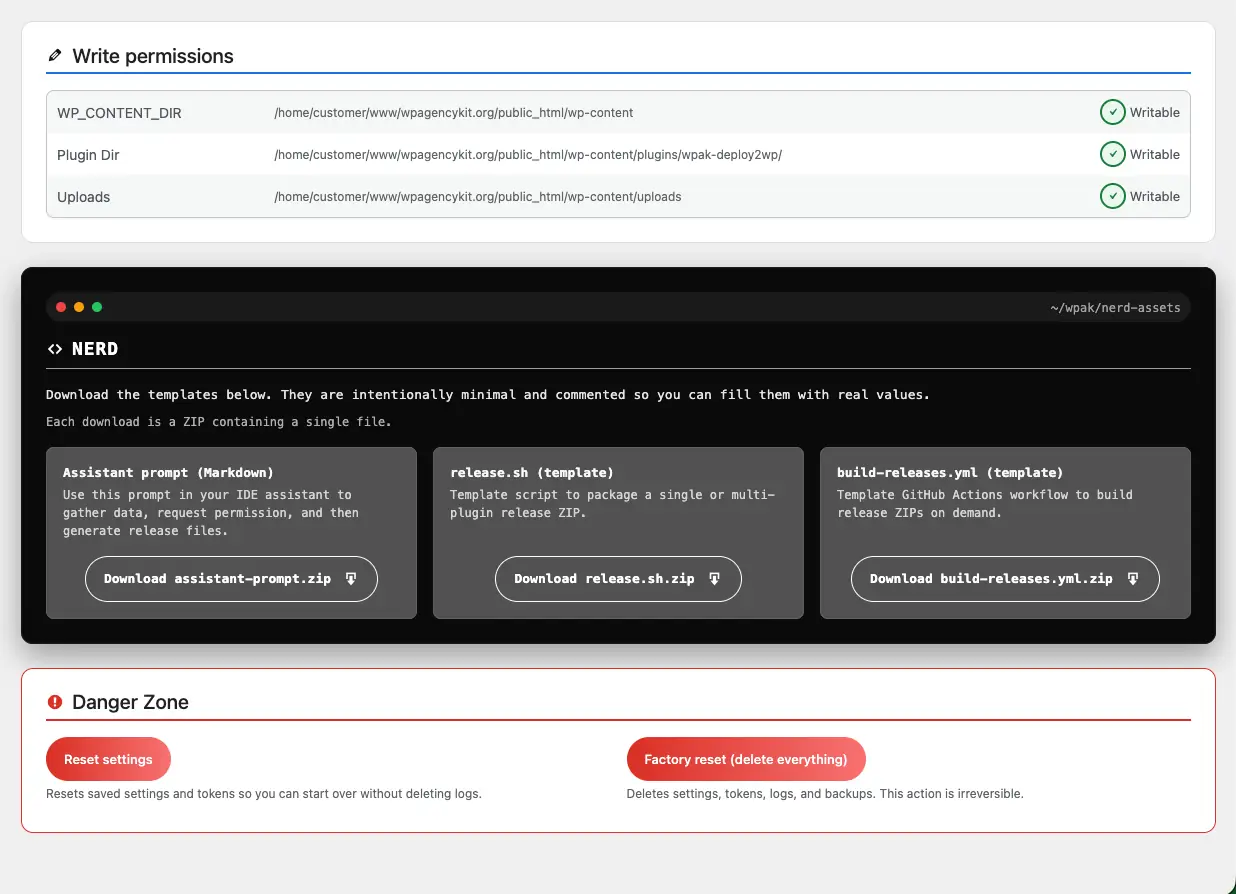
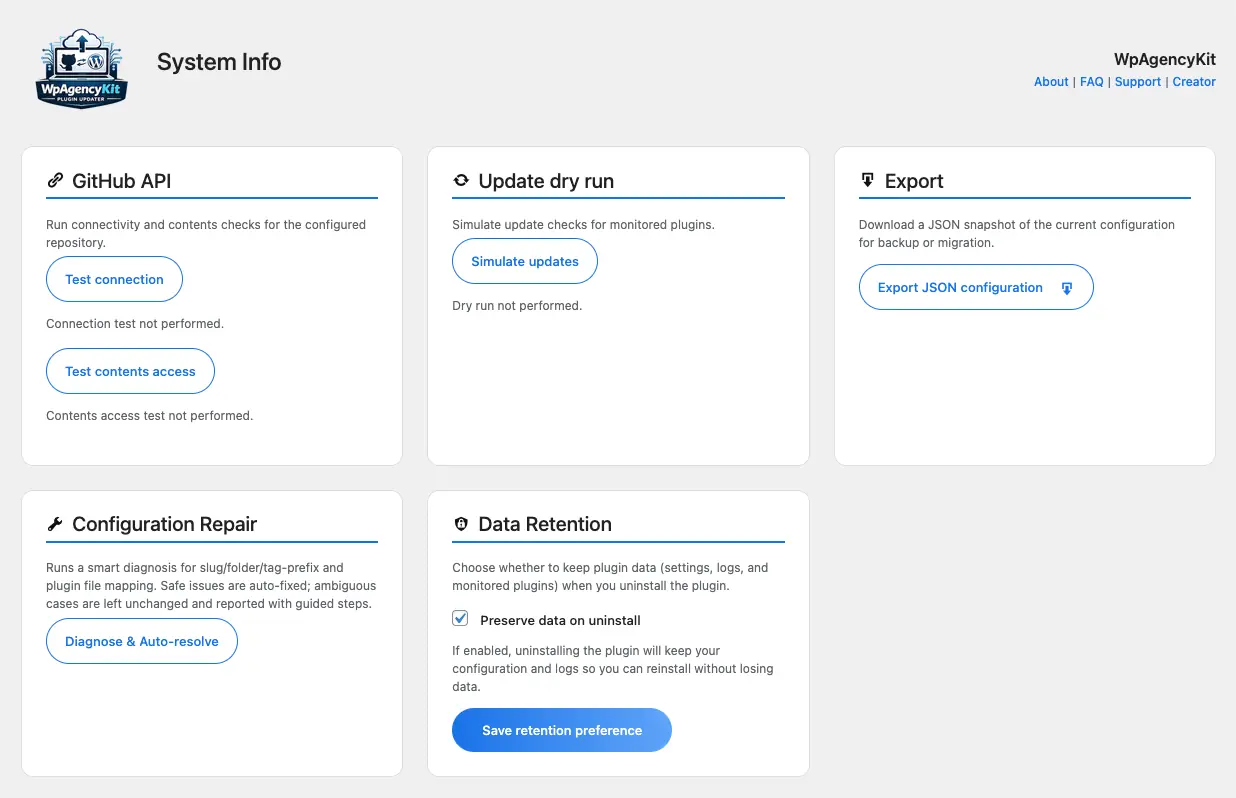
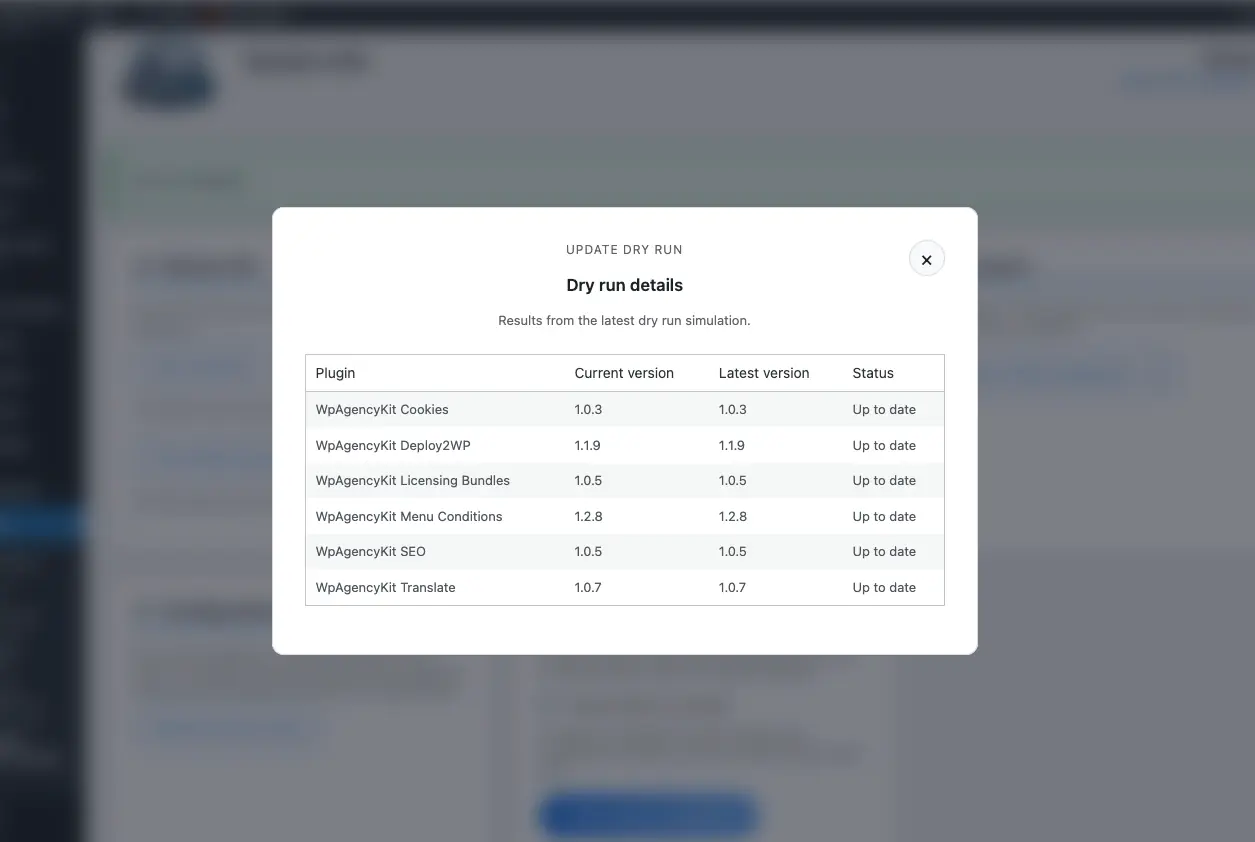
Produto screens
FAQs
WPAK-Deploy2WP is a WordPress deployment plugin that connects your Git repository to your website, making it easier to push plugin and theme updates without relying on slow, manual workflows.
WPAK-Deploy2WP is designed for WordPress professionals, freelancers, agencies, and product builders who want a cleaner and more reliable way to manage plugin or theme deployments.
Sim. WPAK-Deploy2WP supports private GitHub repositories natively, so you can work with private codebases without awkward workarounds or risky setups.
Sim. You can use WPAK-Deploy2WP with both MonoRepo and SingleRepo setups, giving you flexibility whether you manage one project per repository or multiple WordPress assets inside a single repository.
Sim. WPAK-Deploy2WP can be used to deploy both WordPress plugins and WordPress themes, depending on how your repository is organised.
WPAK-Deploy2WP is built with a strong focus on private repository support, flexible repository structures such as MonoRepo setups, and a more deployment-oriented workflow for WordPress professionals.
Sim. WPAK-Deploy2WP is included in the WPAgencyKit Bundle alongside the other WPAgencyKit plugins.
WPAK-Deploy2WP is offered as part of the WPAgencyKit Bundle, which is positioned as a one-time purchase rather than a recurring subscription.
Não. WPAK-Deploy2WP is built to simplify the connection between your Git repository and your WordPress site, reducing the amount of manual setup involved.
Sim. WPAK-Deploy2WP supports webhook-based workflows, making it easier to automate deployments between your repository and your WordPress site.
Sim. WPAK-Deploy2WP can also be used on staging environments, which is useful for testing updates before pushing them to a live site.
If a deployment fails, WPAK-Deploy2WP is designed to reduce risk and help prevent your site from being left in an unstable state.
Sim. WPAK-Deploy2WP provides deployment logs so you can review what happened, confirm a successful update, and troubleshoot issues more easily.
Não. WPAK-Deploy2WP is designed to make WordPress deployment more accessible, so you do not need deep DevOps knowledge to use the core workflow.
Sim. WPAK-Deploy2WP is well suited for agencies, freelancers, and professionals managing multiple WordPress projects who need a more efficient and repeatable deployment process.
Sim. WPAK-Deploy2WP is built for modern WordPress workflows, including private repositories and more structured development setups used by professionals and teams.
Included in the WpAgencyKit Bundle
All 5 plugins · Lifetime OTA updates · Staging always free