


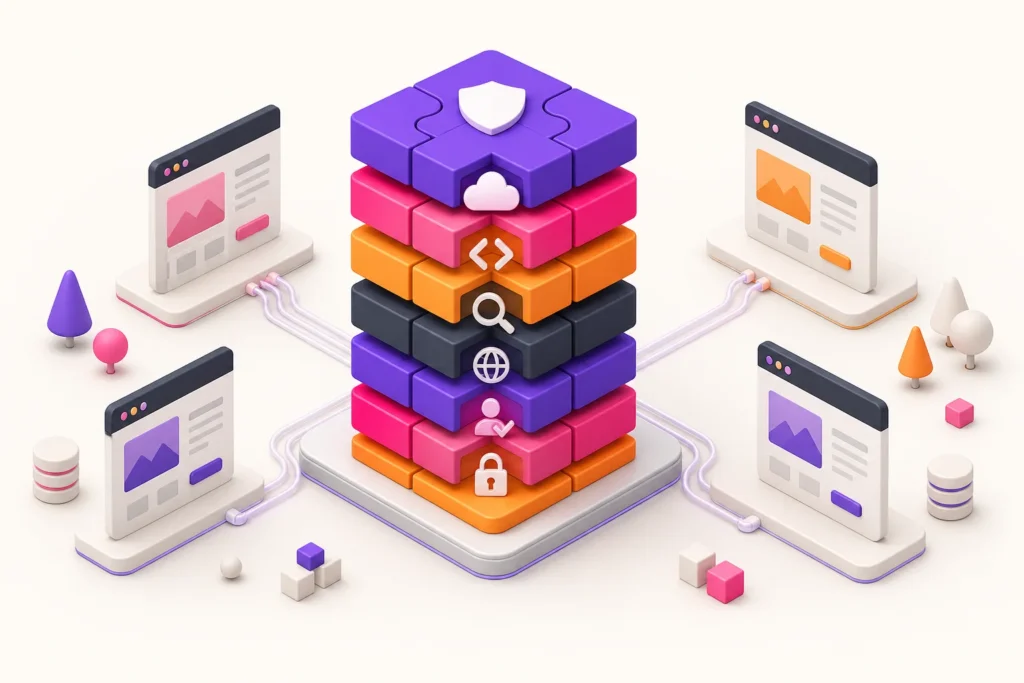
A standard plugin stack can make delivery faster, training easier and support more predictable. It can also create unnecessary dependency if the agency installs the same collection everywhere without confirming what each client site needs.
The goal of a WordPress agency plugin stack is not the smallest possible plugin count. It is the smallest supportable set that covers the required operating responsibilities without hidden overlap or gaps.
Begin with responsibilities, not products
List what the agency must deliver before comparing plugins:
- hosting and environment management;
- backups and restoration;
- security controls and monitoring;
- deployment and updates;
- caching and performance;
- forms, commerce or membership;
- SEO and content discovery;
- multilingual publishing;
- cookie consent and script control;
- navigation or member experience;
- analytics and operational monitoring.
Not every site requires every layer. A brochure site, shop and membership portal have different risk and maintenance profiles.
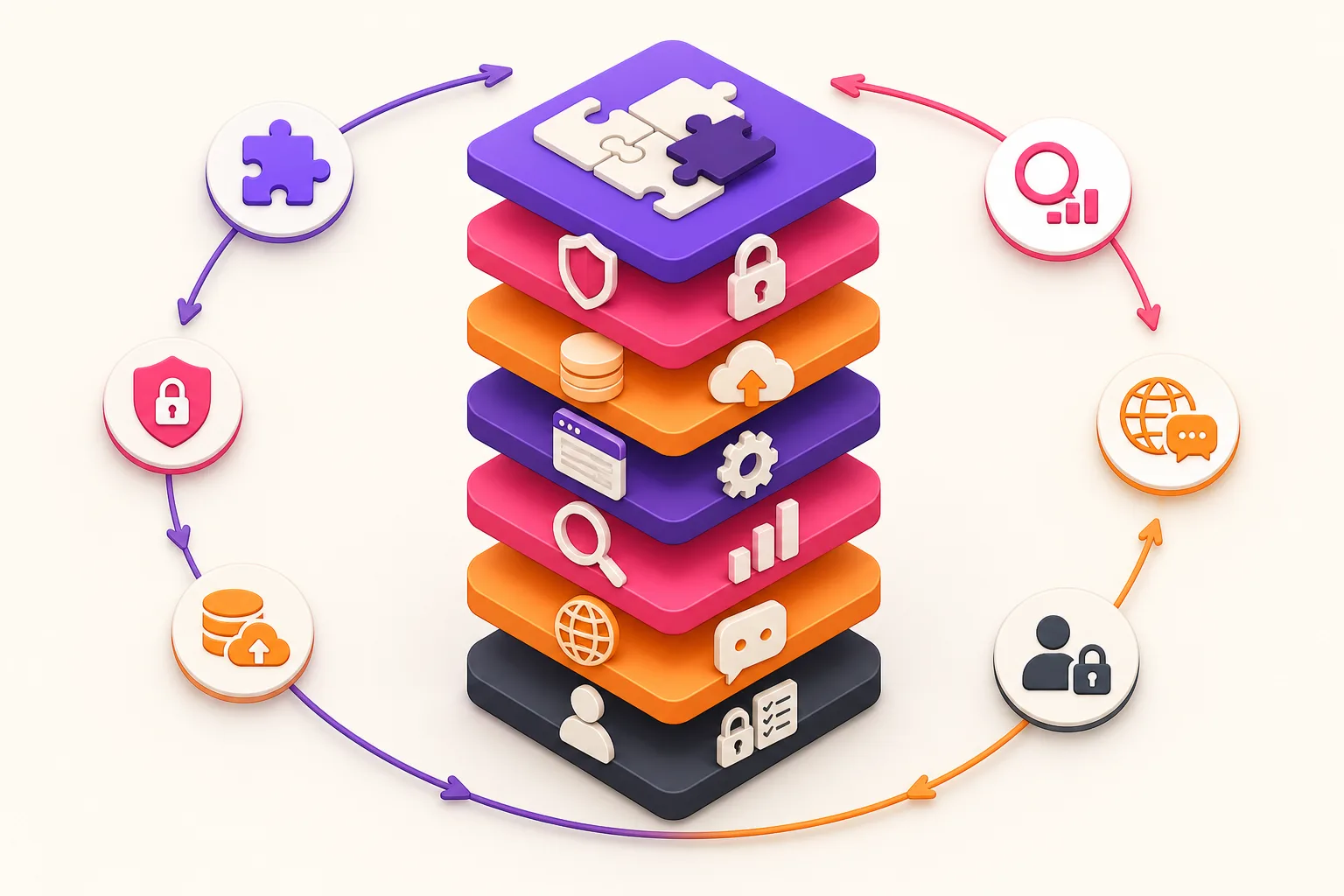
Cover seven operating layers
1. Recovery
Define backups, off-site storage, retention and restoration testing. A plugin is only one part of a recovery system that also includes hosting and access.
2. Security and access
Cover account protection, least privilege, updates, monitoring and incident response. Avoid claiming that one security product makes the entire site secure.
3. Delivery and updates
Define how custom and commercial code reaches production, which versions are approved and how rollback works.
4. Performance
Use caching, image and asset controls appropriate to the host. Test interactions with logged-in users, commerce and consent.
5. Discovery and content
Manage titles, descriptions, canonicals, sitemaps, internal links, errors and content review through one consistent SEO process.
6. Privacy and consent
Inventory technologies, implement the client’s approved categories, block optional scripts as required and maintain visitor information.
7. Client-specific experience
Add translation, commerce, booking, membership or conditional navigation only where the project requires it.
Score every plugin against the same criteria
For each candidate, ask:
- What exact problem does it solve?
- Is that problem already covered elsewhere?
- Who owns the licence and account?
- How are updates delivered and rolled back?
- What data does it store or transmit?
- Does it call an external service?
- What happens when the licence expires?
- How does it affect caching and performance?
- Can settings be exported or documented?
- Is there a workable client handover path?
- Does the team know how to support it?
Reject a plugin that has no named purpose, even if its individual price is low.
Distinguish overlap from defence in depth
Two tools can overlap accidentally or provide legitimate layered protection.
Two SEO plugins outputting competing canonicals is harmful overlap. A host backup plus a tested off-site backup may be intentional resilience. A consent plugin and tag-manager rules may be complementary when they share one approved source of truth.
Document which system owns each output. There should be one authoritative controller for titles, canonicals, sitemaps, redirects, consent state and other critical behaviour.
Test compatibility as a stack
Plugins that work separately can conflict when combined.
Use a representative staging environment to test:
- activation and updates;
- front-end and admin performance;
- caching with consent and logged-in states;
- metadata and sitemap ownership;
- multilingual routing;
- forms, checkout and account journeys;
- scheduled tasks and external API failures;
- uninstall and rollback behaviour.
Record supported versions and known exceptions. “Installed successfully” is not a compatibility test.
Keep optional modules optional
Do not install translation, complex menus or commerce extensions on sites that do not need them. Every active component adds maintenance, configuration and a possible failure path.
Create stack profiles, for example:
- baseline brochure site;
- content and SEO site;
- multilingual site;
- commerce site;
- membership or portal site.
Each profile should inherit the essential controls and add only the project-specific layer.
Calculate portfolio cost
Include licence price, site tiers, API use, support time, training, renewal administration and migration risk.
Consolidation can reduce cost and cognitive load, but only when the replacement covers real requirements. Keep a client exception when it is justified; record why the standard does not apply.
The WpAgencyKit Bundle groups tools for GitHub deployment, cookie consent, conditional menus, SEO and translation. It may cover several operational layers under one licence model, but it does not replace hosting, backups, security operations or client-specific functionality.
Define ownership and offboarding
For each tool, record:
- agency- or client-owned licence;
- billing owner;
- account recovery owner;
- data and configuration location;
- transfer or replacement process;
- effect of licence expiry;
- final responsibility when the care plan ends.
Client sites should not become dependent on an unexplained personal account.
Use the standard during onboarding
Do not replace a newly inherited client stack immediately. First inventory what is active, confirm the business purpose and identify dependencies.
Classify each existing plugin as:
- retain as part of the standard;
- retain as a documented client exception;
- replace after a tested migration;
- deactivate after confirming no dependency;
- investigate because ownership or purpose is unclear.
Migrate in bounded groups and test the relevant customer journeys. Removing overlap is valuable only when the replacement preserves the required behaviour and data.
Standard stack checklist
- every plugin has a named purpose and owner;
- critical output has one authoritative controller;
- overlapping functions are intentional and documented;
- updates, backups and rollback are tested;
- external services and data flows are known;
- licences match real production and staging usage;
- performance is tested as a complete stack;
- client-specific modules are installed only when needed;
- settings and exceptions are documented;
- offboarding can be completed without guesswork;
- the stack is reviewed at least annually and after major change.
Standardise decisions, not blind installations
A good agency stack reduces variation where variation has no value. It should make onboarding, maintenance and troubleshooting more reliable without forcing every client into the same technical shape.
Build the standard from responsibilities, test the components together and preserve documented exceptions. The result is a stack the team can explain, maintain and hand over.