



An agency can run out of plugin activations while still paying for tools it rarely uses. The useful starting point is a site register: which sites need the plugin, who owns the entitlement and which environments count towards the limit.
WordPress agency licence capacity is the number of eligible installations your entitlement can cover. It is different from the number of clients, domains in your account or websites you hope to win. Plan from real demand, then add a documented allowance for growth.
Count sites before comparing tiers
Start by auditing existing plugin subscriptions. A client may already own a suitable licence; moving that site onto your agency account could consume capacity without reducing any cost.
Keep production, staging, development and archived installations in separate columns. An archived project may still have an active licence connection. Conversely, a site in a sales proposal is not yet a committed installation.
| Site | Owner of entitlement | Environment | Needs activation now? | Evidence |
|---|---|---|---|---|
| Client A shop | Client | Production | No agency seat | Client account confirmed |
| Client B brochure | Agency | Production | Yes | Maintenance agreement |
| Client B test copy | Agency | Staging | Check terms | Staging domain recorded |
| Client C launch | Agency | Future production | From agreed launch | Signed project scope |
| Retired campaign | Agency | Archived | Review | Confirm whether disconnected |
This is an illustrative register, not a statement about any vendor's activation rules. Keep credentials out of it. Record the account owner and where authorised staff can find access instead.
Read the counting rule literally
“Unlimited websites”, “multiple sites” and “agency licence” are not interchangeable promises. Check the exact product and current terms for production limits, recognised staging domains, local development and multisite installations.
WordPress Multisite is a technical arrangement. It does not tell you whether a vendor counts each subsite, the network or a domain as one activation. Record the vendor's answer for your intended setup before choosing a tier.
Also check what happens when a client changes domain, moves hosting or leaves your maintenance service. Do not assume an activation can be transferred simply because it can be disconnected. Your commercial agreement and the vendor's licence terms are separate documents.
Calculate demand with a small worksheet
Use this planning calculation:
Required capacity = eligible live agency installations + committed new installations + chosen operational headroom.
Only exclude staging or development copies when the relevant terms explicitly allow it. Count client-owned installations separately, even when your team administers them.
For example, imagine an agency has 18 production websites using a particular tool. Four clients own their licences. Three additional agency-managed launches are contracted, and the agency chooses two spare activations for migrations or near-term work.
| Planning item | Hypothetical count |
|---|---|
| Production sites | 18 |
| Less client-owned entitlements | −4 |
| Contracted launches needing agency coverage | +3 |
| Deliberate headroom | +2 |
| Capacity to compare with vendor tiers | 19 |
The agency also has six staging copies. If the vendor exempts those exact environments, the planning count stays at 19. If it counts them, demand becomes 25. That single term can change the appropriate purchase.
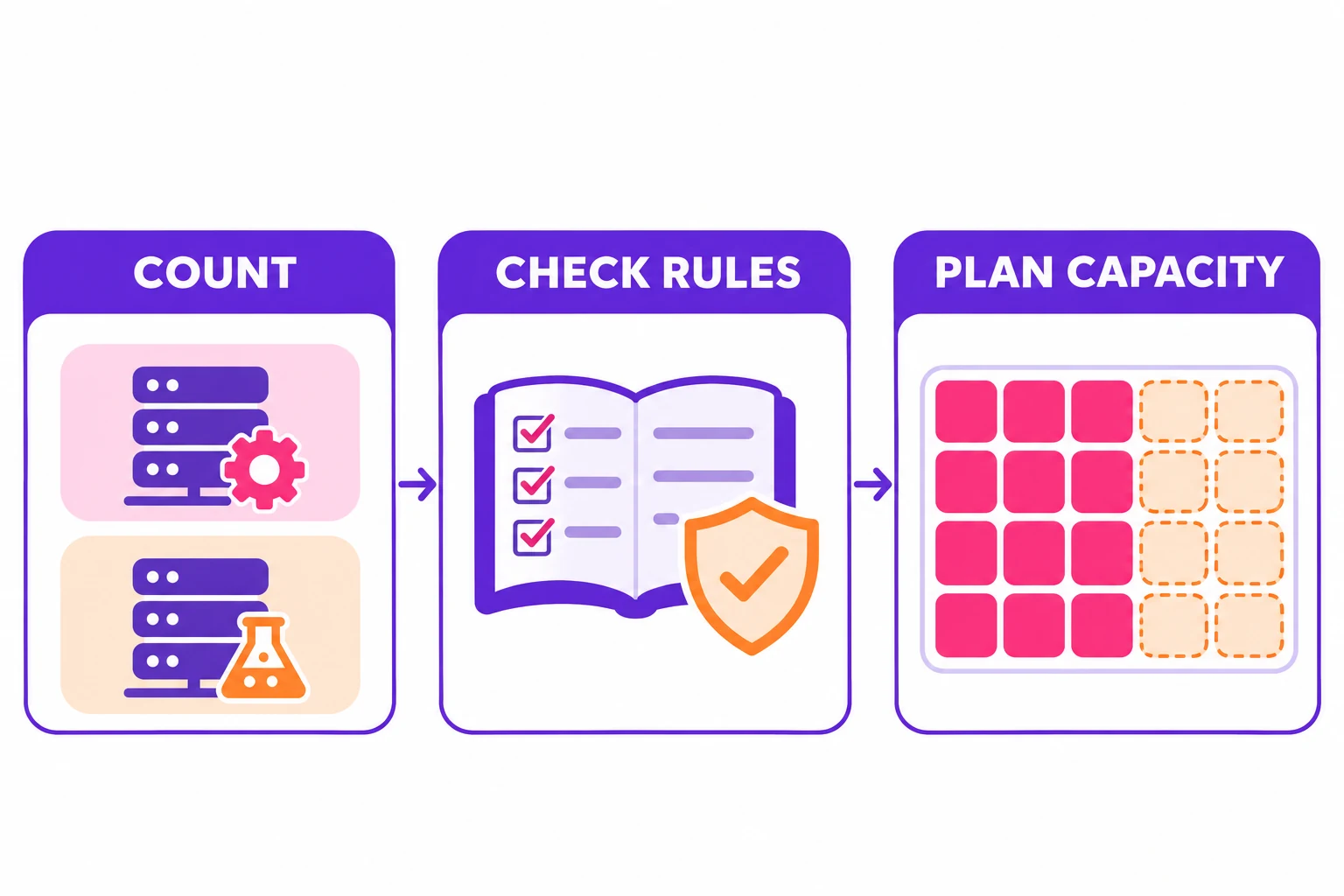 Ilustración IA
Do not add every possible future client to the committed column. Keep a separate forecast, with an expected launch date and confidence level. A large speculative pipeline is useful for planning but weak evidence for an immediate purchase.
Compare the whole entitlement
A capacity match is only one part of the decision. Compare licence entitlements alongside the payment model: updates, support duration, renewal conditions and permitted use can matter more than the headline discount.
For an AI-assisted tool, licence capacity and usage costs are different. A site allowance does not imply unlimited third-party model requests. Estimate external API spending from the work you expect to perform, and record who owns the provider account.
Before buying a larger tier, check the agency plugin stack. More activations of an overlapping tool will not resolve unclear ownership or a poor fit with the sites you maintain.
Apply the register to WpAgencyKit
Compare your completed register with the current WpAgencyKit Bundle options and licence terms. Those licence terms exclude clearly marked staging, local development and temporary one-to-one clones from the site count.
There are three plans, each a single payment with no renewal: 4DEV (€199, up to 4 sites), 40Agency (€299, up to 40 sites) and 120Agency (€399, up to 120 sites). In the worked example above, a planning capacity of 19 sites fits within 40Agency.
Choose from the required capacity, included tools and support needs. A temporary promotion can affect the purchase price, but it should not decide whether you need that many installations. Keep external AI provider charges outside the licence purchase line.
Review before the next launch
Assign one person to update the register when a site launches, retires or changes ownership. Record the last check date and the remaining eligible capacity. This creates a useful warning before a project reaches its activation step.
The final purchase record should answer three questions: which sites are covered, which rule was used to count them and what event will trigger the next review. If those answers are clear, licence planning becomes a repeatable operating task rather than a last-minute checkout decision.